
These buy guides cover tier picks, checkout steps, and module explainers—read them before you compare products or open secure checkout.

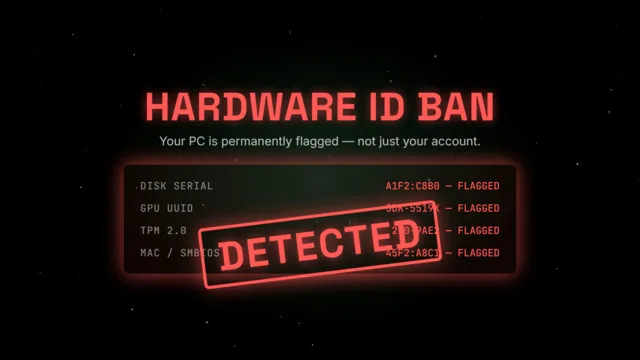
Account ban vs hardware flags after Easy Anti-Cheat—when to buy a spoofer, and how hwidspoofers.net recovery plans fit your situation.
Blog
HWID Spoofer Guides for EAC & BattlEye Hardware Bans
Guides: HWID Spoofer
Transactional guides to choose Basic, Pro or Lifetime and complete secure checkout with verification steps.
Errors: Easy Anti-Cheat failed to initialize is usually not a ban. Free fixes first, then when to buy HWID Spoofer or serial cleanup at hwidspoofers.net.
Rust or EAC just updated? Check live status, refresh portal files and spoof safely—patch-day checklist before checkout and first launch.
Step-by-step buy guide: choose Basic, Pro or Lifetime, pay through secure checkout and unlock the operator portal at hwidspoofer.net.
Basic or Pro HWID spoofer? Compare disk serial, MAC, SMBIOS and GPU tools, license length and support before checkout at hwidspoofer.net.
Lifetime HWID spoofer license: full disk, MAC, SMBIOS and GPU rotation, priority patches and Discord recovery support at hwidspoofer.net.
Rotate network adapter MAC IDs on Windows 10/11 as part of a full HWID reset—portal steps, pitfalls and pairing with disk serial tools.
Change storage serial identifiers safely after EAC HWID enforcement—restore points, portal profiles and verification on hwidspoofer.net.
Rotate SMBIOS and motherboard identifiers on Windows after anti-cheat HWID flags—portal profiles, reboot order and verification.
BattlEye HWID bans look like EAC hardware flags. Learn detection symptoms, cleanup order and when to buy Pro or Lifetime at hwidspoofer.net.
Remove leftover spoofer and anti-cheat driver conflicts before HWID rotation—structured cleanup on hwidspoofers.net before your next spoof session.
Confirm disk, MAC, SMBIOS and GPU identifiers changed before you go online—portal diff report and cold reboot steps at hwidspoofer.net.